Summer 2026 Product Updates
Summer 2026 at HelpDocs: New /home page, MCP, Stats spam filtering, and AI Stats. Plus other improvements to make your workflow even easier.


A seasonal look at what we shipped, why we built it, and how to start using it today
Surviving summer? Barely (where the A/C at?! 🥵). But it has meant a lot of updates for you all. Like, loads. So here we go 👇
A new /home, a new marketing site, and a /learn page
What it is
We rebuilt our marketing site helpdocs.io from the ground up, starting with a new homepage and carrying the same fresh look across the whole marketing site.
We also added a /home page, so you can access what's relevant to you, including stale articles and articles you've been working on recently.
The biggest change is /learn, which is now a proper resource hub, and a section of it is unlocked only once you're signed in as a customer.
Why we built it
The old site was showing its age, and it didn't have anywhere to send existing customers looking for more than a help article. We've also added so many new features, we thought it was time for a refresh.
We'd love to know what you think 🤗
HelpDocs MCP: your knowledge base, now inside your fav AI assistant
What it is
You're probably using an AI assistant to accomplish a whole lot more. Now, you can add your docs to that list.
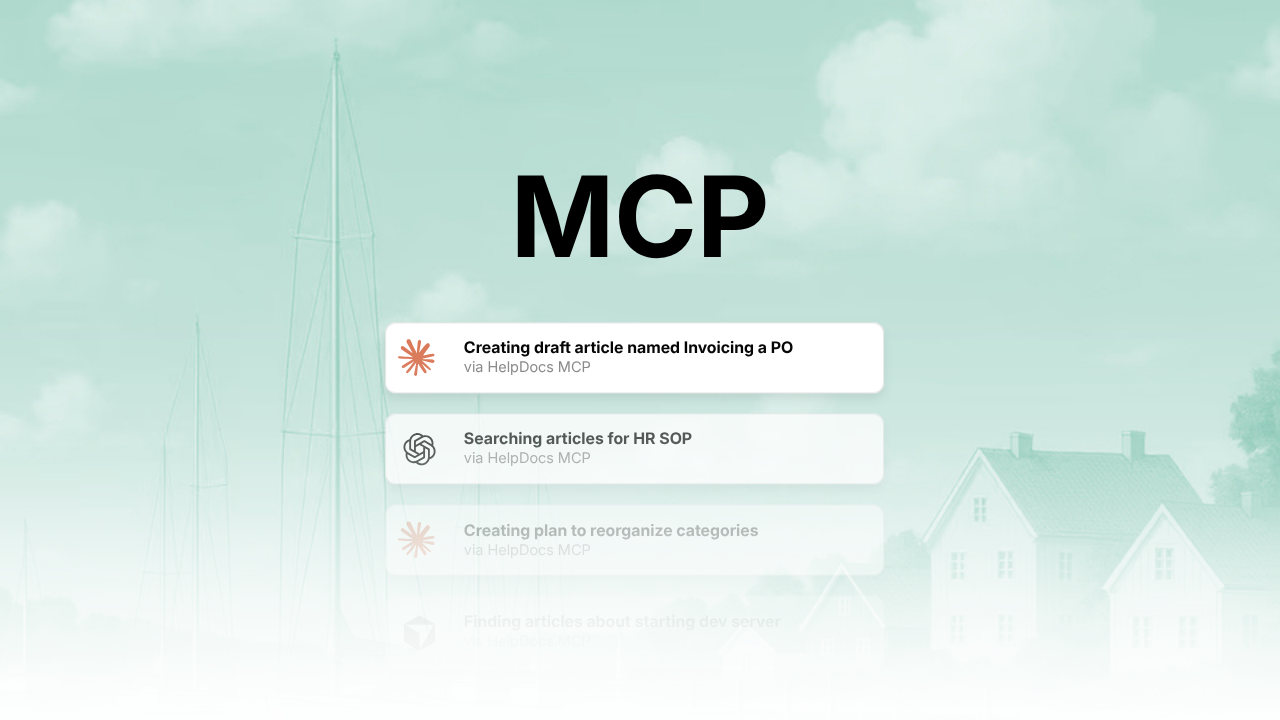
HelpDocs MCP lets Claude, ChatGPT, or any other MCP-compatible AI assistant connect straight to your knowledge base. Integrate it into your workflow, push out drafts right where you code, and make docs part of your everyday workflow.
Why we built it
People were asking for it. But also, your team already lives in Claude or ChatGPT half the day. Copy-pasting help articles in and out of those tools was never going to last, so we gave them a door straight in instead.
Now your AI assistant can pull real answers from your real docs, and even help you write the next one.
How to get started
HelpDocs MCP is available on plans with AI tools access. Head to Settings and connect your assistant of choice. No manual API keys to juggle. It signs in the same way you'd expect any modern app to.
You can take a look at some examples of prompts over on our MCP page, or if you want something more specific, our templates page that includes copy-ready prompts.
Stats Custom Spam Filtering
What it is
We added spam and bot detection to analytics, with weighted scoring, clustering of suspicious IPs, and detection of known data-center and cloud traffic. There's a simple toggle in Stats to filter spam out, with a warning notice so you know when it's active.
You can choose Off, Permissive, Balanced, and Strict depending on how aggressive you want your spam filters to be.
Why we built it
Nothing destroys trust in your own analytics like a mystery traffic spike that turns out to be a bot farm. You shouldn't have to eyeball your numbers and guess which ones are real. Now you don't.
How to get started
Open Stats and flip on the spam filter toggle. Your numbers will likely drop a bit. That's the bots leaving, not your readers.
AI Stats
What it is
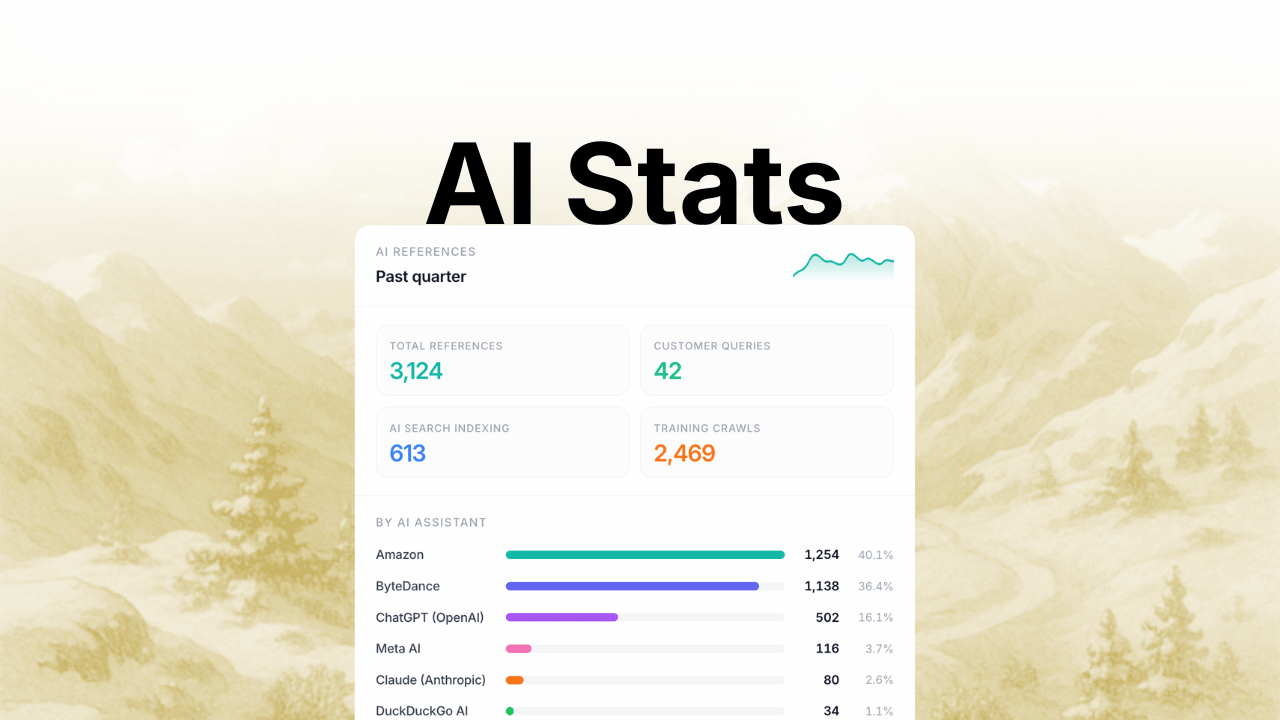
A new AI tab in Stats tracks how AI assistants and crawlers read your knowledge base, separate from the spam filtering above. It splits activity by intent, so you can tell a customer query answered live by an assistant apart from a search engine indexing a page or a crawler training a model.
You'll see which providers show up most, including ChatGPT, Claude, Meta AI, ByteDance, and Amazon, how references trend over time, and which articles get cited most. The data exports too, respecting whatever date range and spam filters you've already set.
Why we built it
"Someone is being helped right now" and "a model is hoovering up everything" look identical in a raw pageview count, and that was never good enough. You need to know which articles are worth refreshing, which ones AI systems are struggling to parse, and whether AI traffic is bringing readers in or eating into your own.
How to get started
It's available for everyone right now. Go to Stats and open the AI tab (or click here). There's nothing to configure, and your historical data is already sitting there waiting.
The smaller things
It's the little things that matter to make your workflow that bit easier.
Content management
- Knowledge Bases load up to 85% faster. One of the fastest loads in the indusry.
- The admin app got a huge glow-up, making things easier to read and understand.
- Drafts and stale-articles views replace the old one-size-fits-all article list, so you can actually find what needs attention.
- Categories now warn you about duplicate slugs before you create a confusing pair.
- Bulk selection got smarter with indeterminate checkboxes, drag handles that only show up when you need them, and quick inline buttons for creating new items.
- Categories get pruned automatically based on the articles that are actually visible.
- More control over people and permissions. Now the access table has paginated member lists with CSV export, so you can search anyone by name or email and pull the whole list for a spreadsheet. Pending invitations now show up right there instead of hiding in your inbox.
Editor
- Fixed a bug where the editor thought your article had unsaved changes just because you clicked around.
- Fixed a race condition that could affect access checks right when a document loaded.
- A batch of smaller layout and element fixes throughout.
Export
- Bulk exports now run in the background, won't double up if you click twice, and notify you when they're done.
- PDF delivery is more reliable.
Knowledge base
- Search results now show which category an article lives in.
- 404 pages got smarter, with a proper loading skeleton and a search that kicks in automatically.
- Error pages for restricted or rate-limited access now match your branding instead of looking like a server exploded 💀
- Fixed the language selector misbehaving on live URLs.
- Internal links now resolve correctly across different languages.